

Vehicle Soccer Template
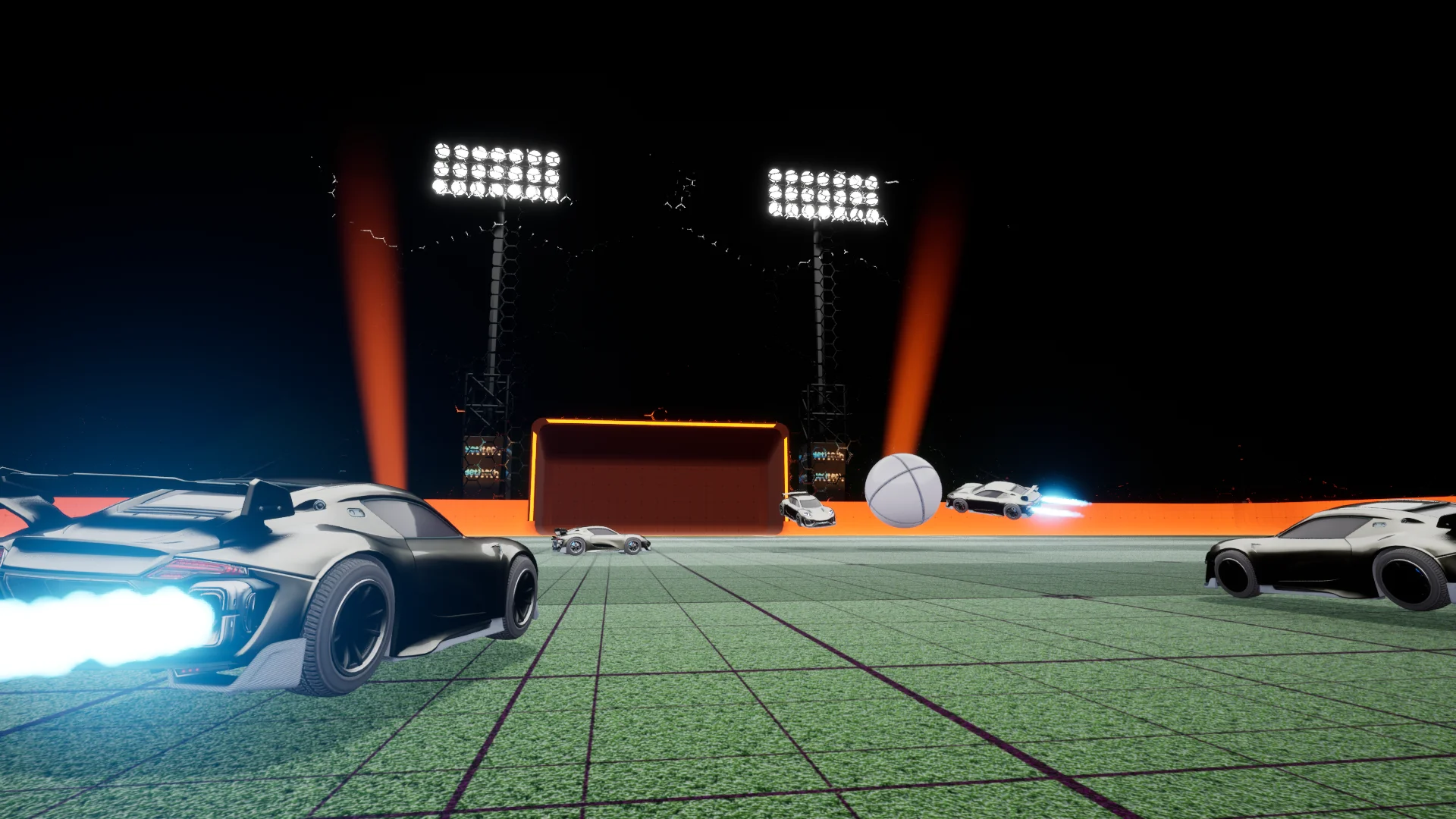
Vehicle Soccer Template is a complete Blueprint game template for arena vehicle soccer. Drive Chaos-powered cars, hit a physics ball into team goals, collect boost pickups, and play solo or host/join online matches.
The project ships as a standalone Unreal 5.8 project (version 2.0.0). All gameplay lives under Content/VehicleSoccerTemplate/.
What is included
Section titled “What is included”| Area | Path | Purpose |
|---|---|---|
| Main menu map | Maps/Map_MainMenu | Default editor and game startup map |
| Vehicle selection | Maps/Map_VehicleSelection | Pre-match car picker |
| Gameplay arena | Maps/Map_Gameplay | Stadium match level |
| Game instance | Blueprints/BP_VehicleGameInstance | Session hosting, joining, LAN, and persisted match settings |
| Game mode | Blueprints/Game/BP_VehicleGameMode | Match start, ball spawn, player spawning |
| Game state | Blueprints/Game/BP_VehicleGameState | Team scores, match timer, overtime, goal events |
| Player controller | Blueprints/Player/VehiclePlayerController | Enhanced Input, camera switching, in-match UI |
| Vehicle base | Blueprints/Vehicles/BP_VehicleParent | Shared car behaviour — boost, jump, air roll, ball lock camera |
| Cars | Blueprints/SportsCar/, Blueprints/OffroadCar/ | Two ready-to-drive vehicle pawns with wheel Blueprints |
| Ball | Blueprints/BP_Ball | Replicated physics ball and hit feedback |
| Goals | Blueprints/Stadium/BP_GoalPost | Team-scoped scoring volumes |
| Pickups | Blueprints/Pickups/ | BP_BasePickup, BP_Boost, BP_BallImpulser |
| Vehicle roster | Blueprints/VehicleSelection/DT_Vehicles | Data table of selectable cars (ST_VehicleSelectionData) |
| Stadium | Blueprints/Stadium/ | Goal posts, team lights, TV replay camera, cosmetics manager |
| UI | Blueprints/Widgets/ | WBP_MainMenu, WBP_VehicleSelection, WBP_VehicleUI, scoreboard widgets |
| Input | Inputs/ | Enhanced Input actions and IMC_KeyboardDefault / IMC_GamepadDefault |
| Settings struct | Blueprints/ST_VehicleGameSettings | Match time, countdown, ball reset delay, game mode |
| Helpers | Blueprints/BP_VehicleStatics, BP_VehicleMacros | Shared accessors and logging utilities |
| Art & audio | Meshes/, Materials/, Textures/, Sounds/, FX/ | Stadium, vehicles, ball, UI, MetaSounds |
Gameplay loop
Section titled “Gameplay loop”flowchart LR Menu["Map_MainMenu"] --> Select["Map_VehicleSelection"] Select --> Arena["Map_Gameplay"] Arena --> Score["BP_GoalPost scores"] Score --> Arena Arena --> End["Match end or overtime"] End --> Menu
- Main menu —
WBP_MainMenuonMap_MainMenu. Set your player name, pick a Play Mode (Solo or 1 x 1 … 5 x 5), adjust match timing, then choose Play Solo, Host Match, Find Matches, or Join Session (with optional LAN). - Vehicle selection —
Map_VehicleSelectionandWBP_VehicleSelectionread rows from DT_Vehicles (Sports and Offroad by default). - Kickoff —
BP_VehicleGameModespawns players at BP_VehiclePlayerStart points and places the ball at Ball Spawn Transform. BP_VehicleGameState runs the match timer and countdown. - Play — drive with Enhanced Input (
IA_MoveForward,IA_MoveRight,IA_Jump,IA_Boost,IA_Handbrake,IA_AirRoll, etc.). UseIA_FocusBall/IA_SwitchCamerafor ball tracking and camera modes. HoldIA_Scoreboardfor live scores. - Score — when the ball enters a BP_GoalPost trigger for the opposing team, ScoreGoal updates Team One Score / Team Two Score on the game state and drives goal VFX, sounds, and
WBP_VehicleUIannouncements. - Match end — timer expiry or winning condition ends the match. Overtime can activate when scores are tied (bIsOvertime on the game state). Return to the menu or rematch from UI buttons.
Typical workflow
Section titled “Typical workflow”- Walk through Getting Started for solo and 2 x 2 examples.
- Open the project and customize systems.
- Follow the tutorial overview to tune match rules, add vehicles, or reskin the HUD.
- Adjust match timing and ball reset behaviour on BP_VehicleGameMode → Vehicle Game Mode Settings.
- Extend DT_Vehicles when you add new car Blueprints derived from BP_VehicleParent.
See Getting Started for a first playthrough, Setup & customization for configuration entry points, Tutorial overview for step-by-step guides with example presets, and Blueprint reference for actors, components, events, and data structures.