

Mail Widget
This is the starting widget which hosts many other sub-widgets that are all independently implemented and they are switched between using widget switchers.
flowchart TB
  subgraph row1[" "]
    direction LR
    Main["Mail main widget"] --> SW["UCommonActivatableWidgetSwitcher"] --> Inbox["Inbox panel"]
    SW --> Compose["Compose panel"]
    SW --> Read["Read panel"]
  end
  subgraph row2[" "]
    direction LR
    Inbox --> DM["FOperatingSystemDeviceMessengerSystem"]
    Compose --> DM
  end
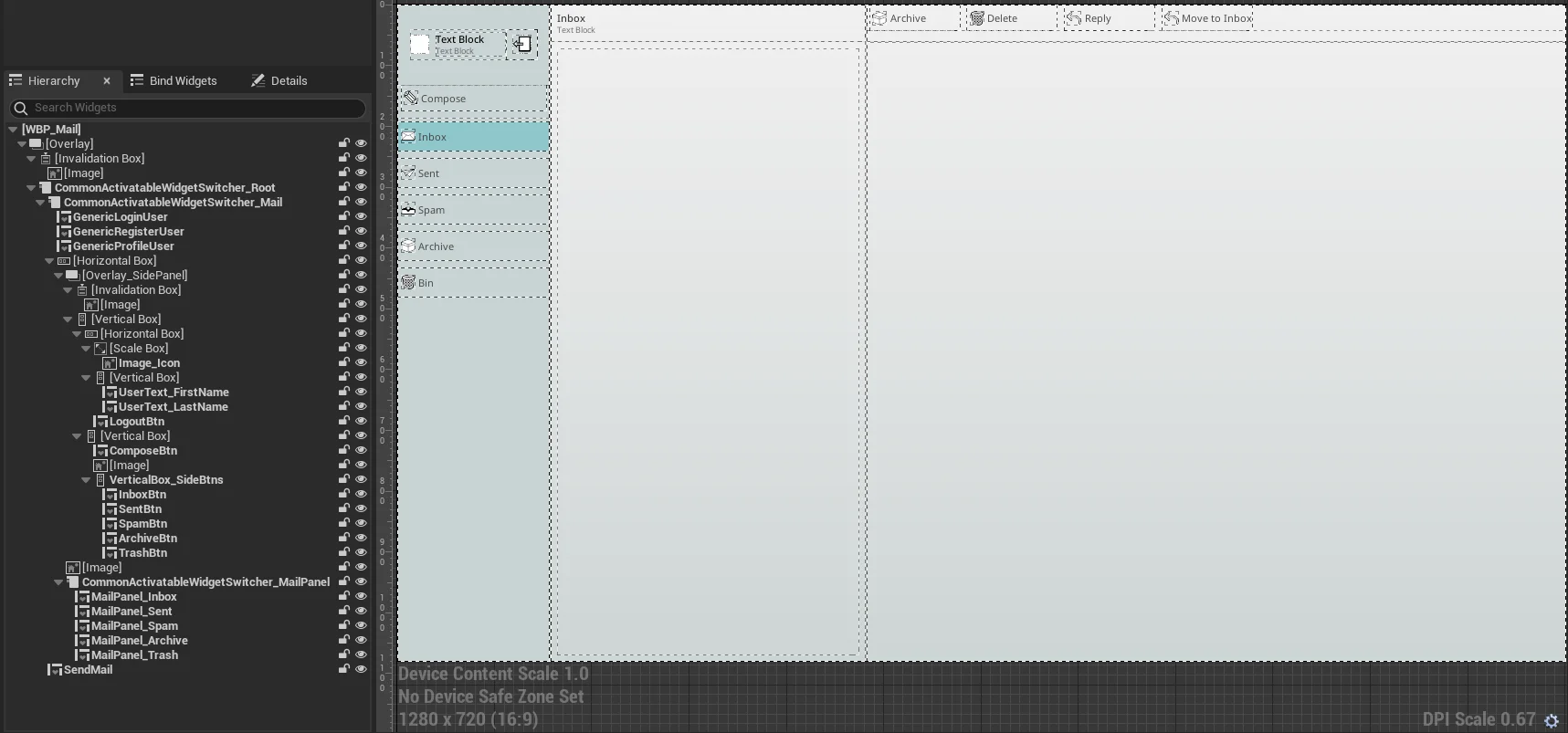
Once you look at the graph, you can learn how they all communicate each other primarly using our device messenger system.
To open individual widgets, navigate to Plugins/OperatingSystemSimulator/Content/OperatingSystemContent/Shared/Blueprints/Widgets/Programs/Mail/Components folder.