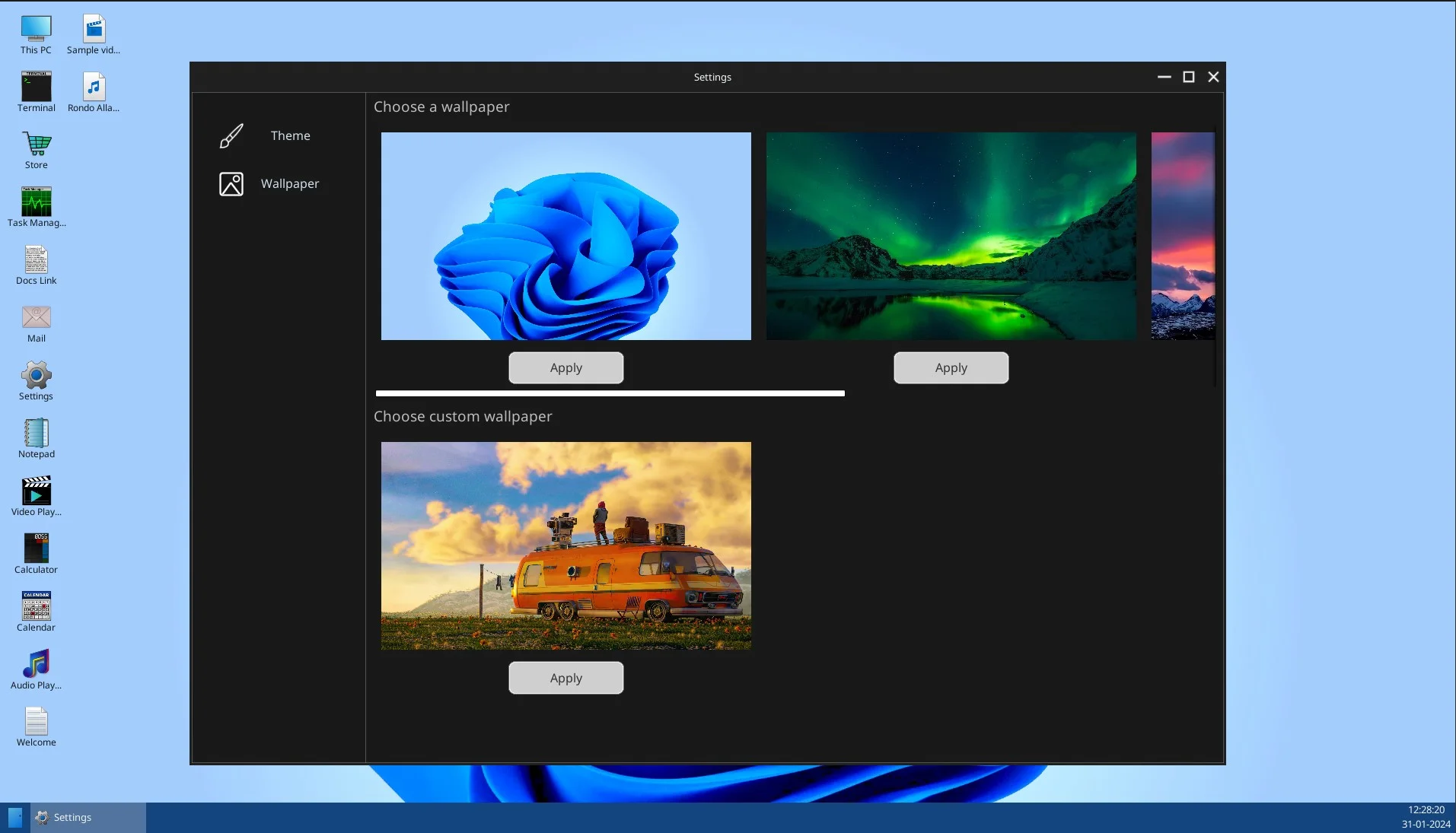
Wallpaper Module
With this module, you can apply default wallpapers that comes with your game or let the user to choose their own wallpapers from their PC.
flowchart TB
  subgraph row1[" "]
    direction LR
    User["User picks wallpaper"] --> WBP["WBP_OS_Settings_Wallpaper"] --> Module["UOperatingSystemSettingModule_Wallpaper"]
  end
  subgraph row2[" "]
    direction LR
    Disk["OperatingSystemSimulator OS data path"] --- Desktop["UOperatingSystem desktop background"]
  end
  Module --> Disk
  Module --> Desktop
The default widget (WBP_OS_Settings_Wallpaper) automatically takes care of this.
For custom wallpapers to work, you only have to put them in the following location.
The OS_NAME means the Operating System name you set in Content Browser after you created your Operating System.
C:\Users\USER\Documents\YetiTechStudios\OperatingSystemSimulator\OS_NAME\DesktopWallpapers
An example:
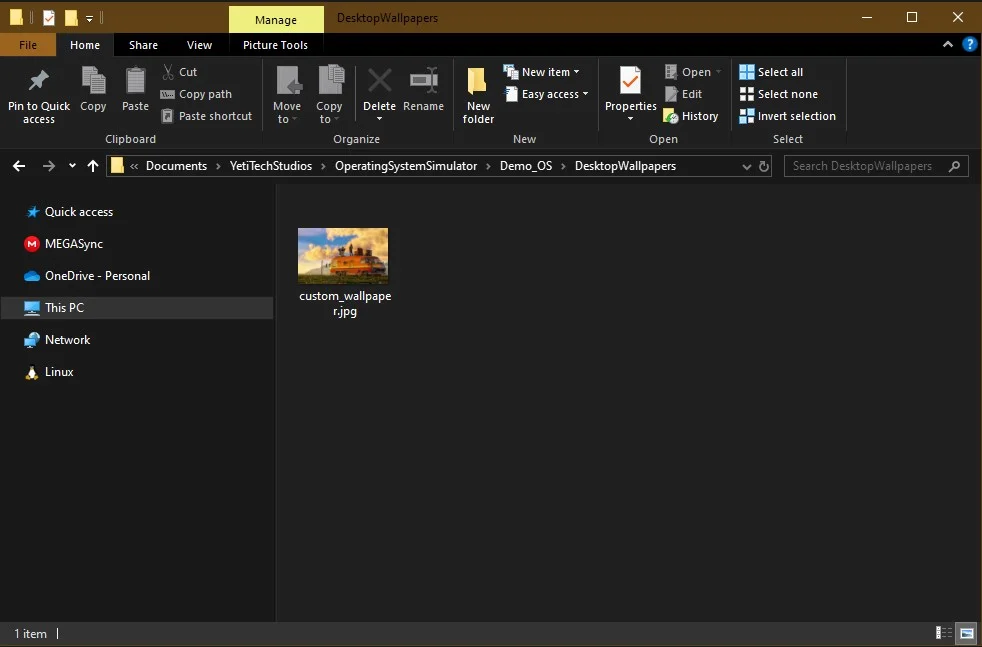
Now when you open your wallpaper module, you’ll be able to see it.