Installing Plugins
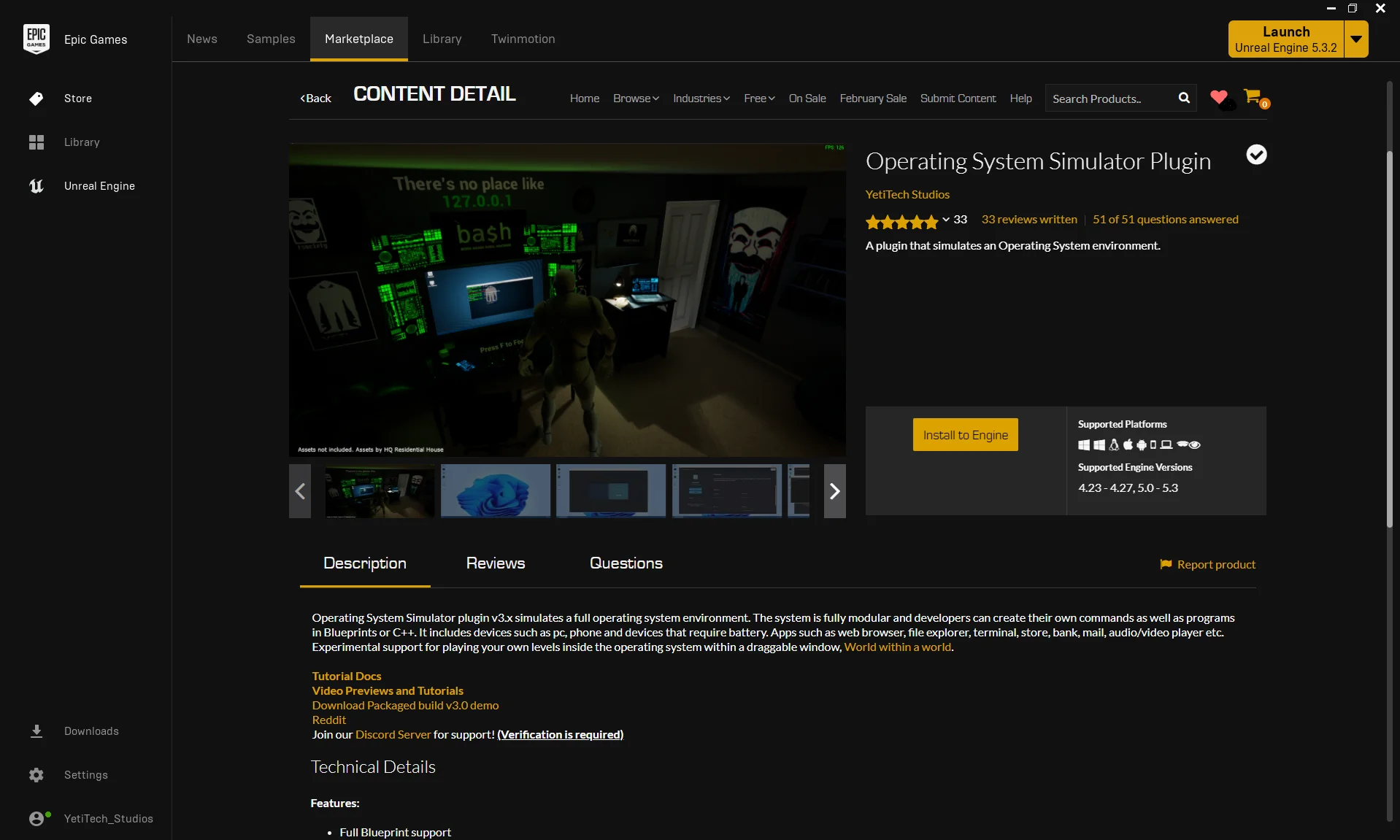
After you purchase any of our plugins, you can install it to your desired Unreal Engine through Epic Games Launcher by following the steps below.
- Open Epic Games Launcher.
- Select Unreal Engine from the left side.
- Click on Library.
- Scroll towards the VAULT section and search for the plugin name.
- Click Install to Engine and choose your desired Engine.
- Open a project and verify the plugin is enabled by opening Plugins from Edit -> Plugins.